# Status-Page
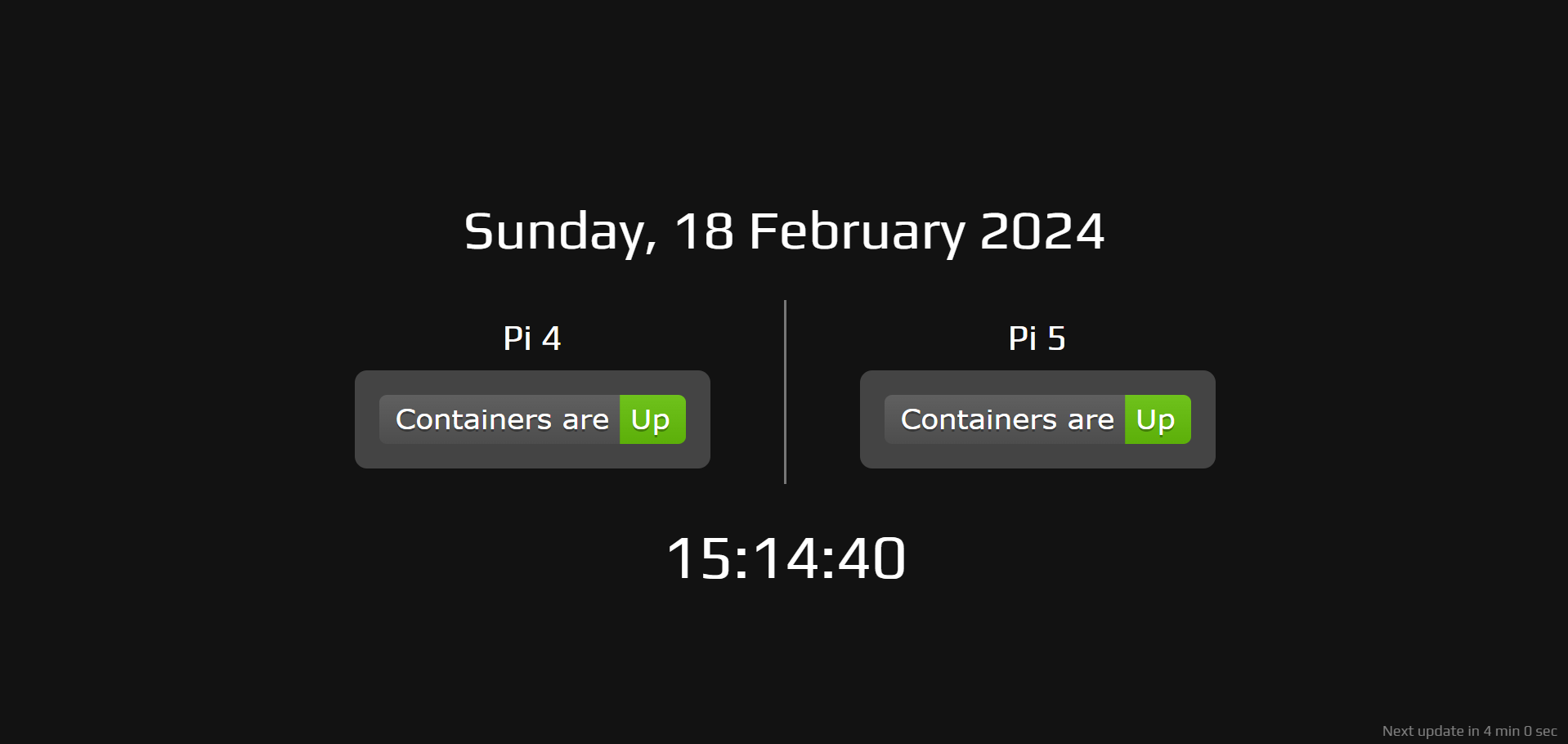
A simple webpage to keep an eye on Uptime Kuma's [overall status](https://github.com/louislam/uptime-kuma/pull/2574). The page also displays the full date which refreshes at midnight, the current time which updates every second, and how long until the status refreshes.
## Things you can personalise
### Fonts
You can set any font on line 13 `font-family: 'Play', sans-serif;`, the Play font is imported from Google on line 7 ``.
### Badges
On lines 93 and 98 you will want to update the URL `http://..../api/status-page/{slug}/badge?label=Containers%20are`
- `...` will be the IP address or domain of your Uptime Kuma (e.g., `http://192.168.1.5:3001`).
- `{slug}` being the status page (mine is just set to `all` to monitor all).
- `?label=Containers%20are` can be changed to any label you want to appear on the badge, or can be dropped for a badge which will just display `Up`, `Down`, `Degraded`, or `Maintenance`.
In this exaple the API call would be to `http://192.168.1.5:3000/api/status-page/all/badge?label=Containers%20are`
### Refresh interval
Unless you are going completely custom, the only other change I would reccomend is to line 164 and 168. `300000` sets the refresh interval for the badges to 5 minutes by default, and `300` sets the next update tomer to 5 minutes by default.
